
EDITING 101: YOUR ONE STOP GUIDE
⭐️ Quickly learn the skills needed to edit videos ⭐️
(Without spending hours trawling through You Tube)
✅ Edit your videos confidently and quickly
✅ Short, simple, easy to follow lessons
✅ Create clean, polished content fast
✅ Turn raw clips into real stories
✅ Stand out from your competitors
The fastest way to go from 'overwhelmed' to 'I can now edit videos'
ENROLL TODAYLifetime Access - Only £29.99
Limited time available?
Then this is the course for you
We give you life time access to this fast, no nonsense, easy to understand online course to help you get started editing and publishing your videos - in the shortest possible time.

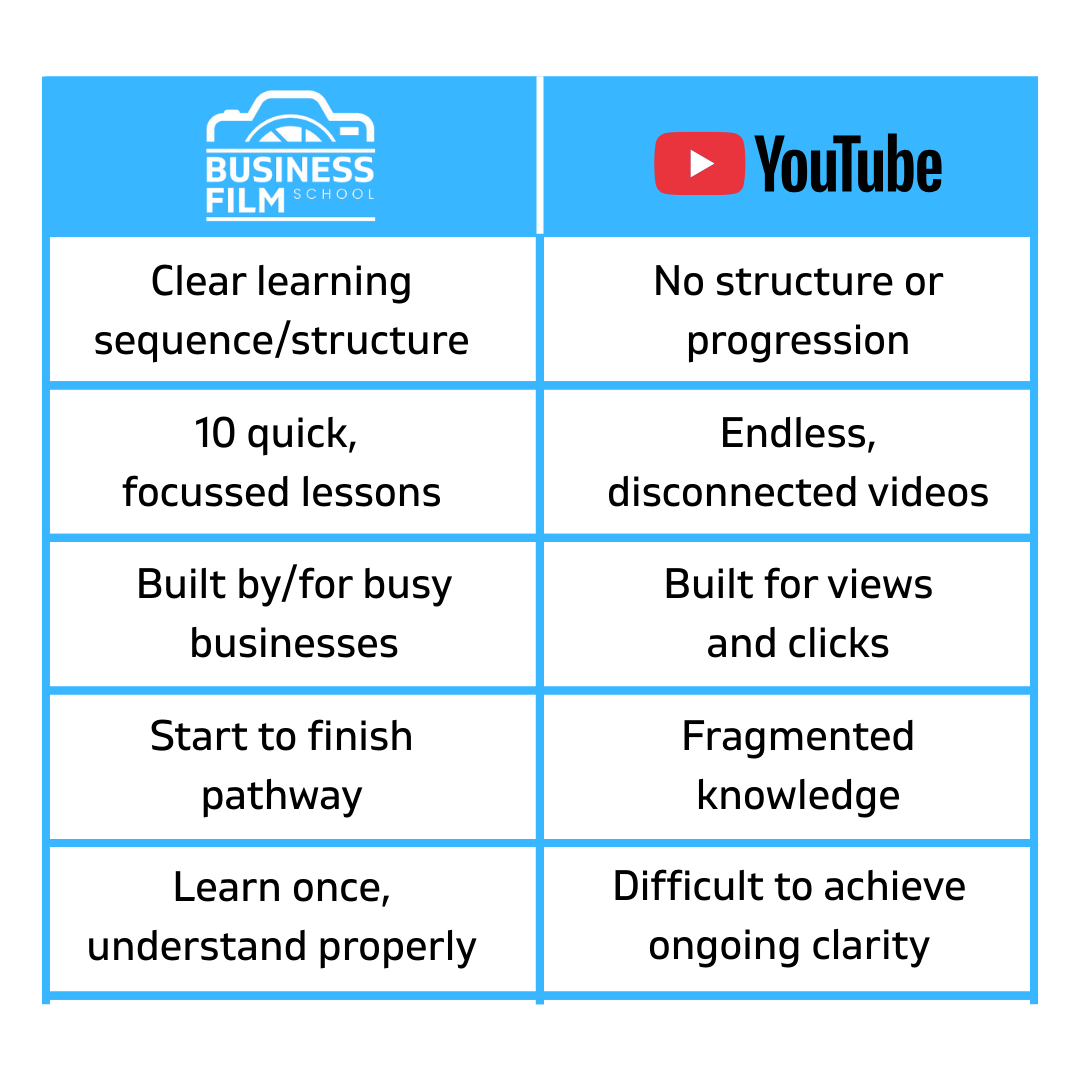
EDITING 101 COURSE LEARNING
Fast, logical and properly ordered bite sized lessons. Developed in partnership with busy businesses. Easy to follow and optimised for fast learning.

YOU TUBE LEARNING
Random. Unstructured. Easy to get lost and overwhelmed. Time consuming and optimised for views - not your learning.
What People Say

Jamie Brock
JJB Electrical Ltd
"Brilliant, easy to follow, course. We’ve already made an introductory video for our website helping us secure new customers - thank you!"
Judy Mason
The Travel Lady
"Love the simplicity of the bite-sized course videos. Easy to follow, great content and great to be able to go back over the learning whenever I want!"

Dr. Krystyna Wilczynski
White & Co
"Easy, simple to follow tutorials delivered in non jargon, techie free language and all done with my mobile phone - perfect!"

Kevin Sanger
Mitres Touch Ltd
"No long, in depth lessons - just quick, easy to understand, highly focused videos to watch and great to be able to ask questions in the comunity".
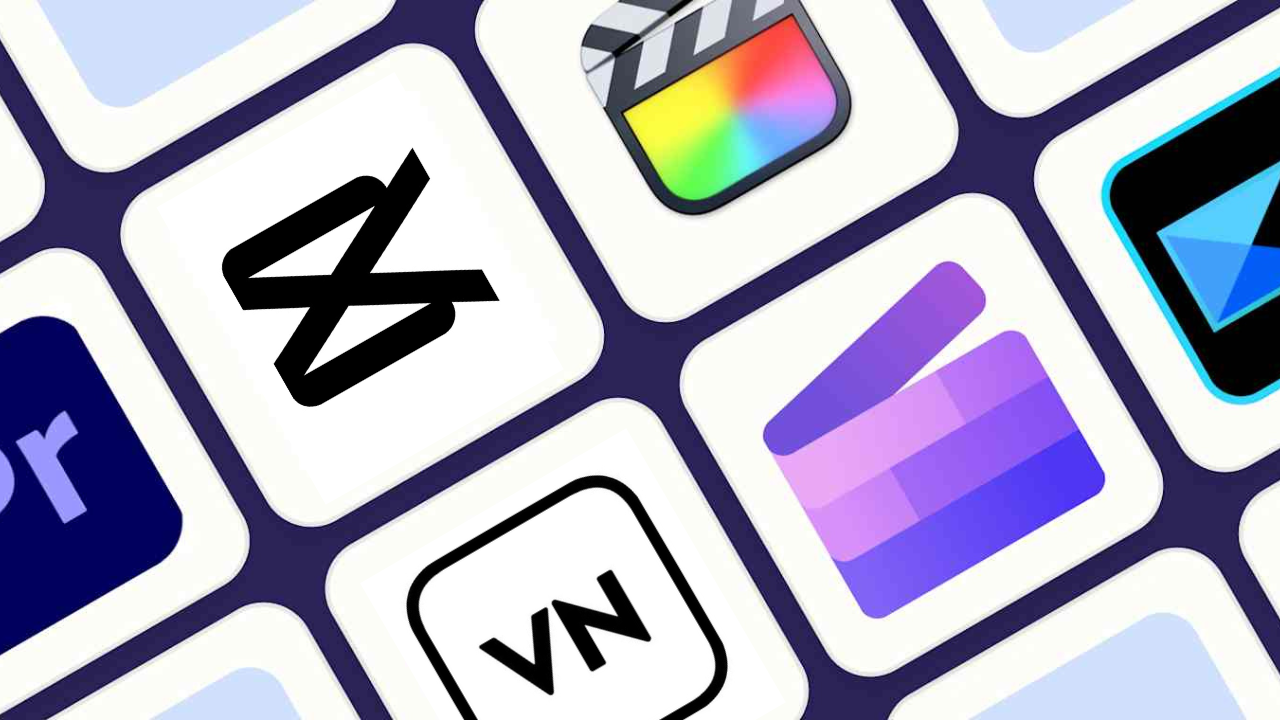
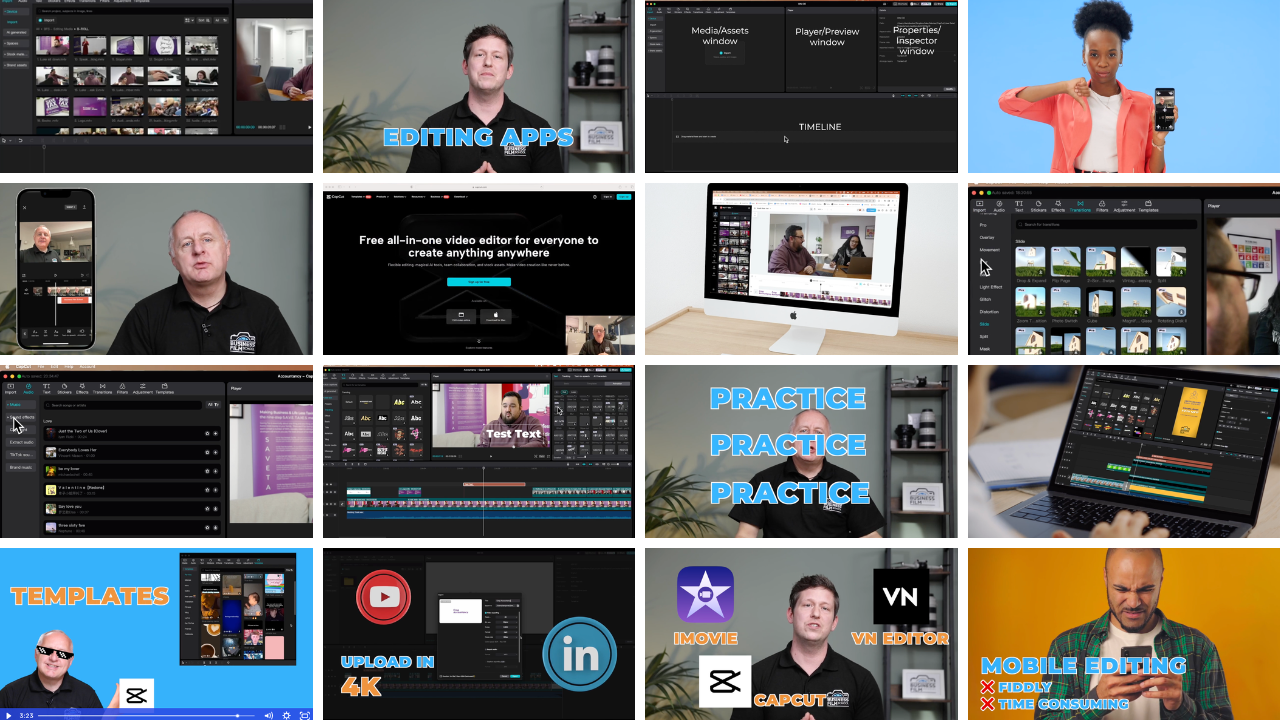
1. Editing Apps/Software
We'll highlight the three best - and outline why we recommend CapCut. (3 mins)
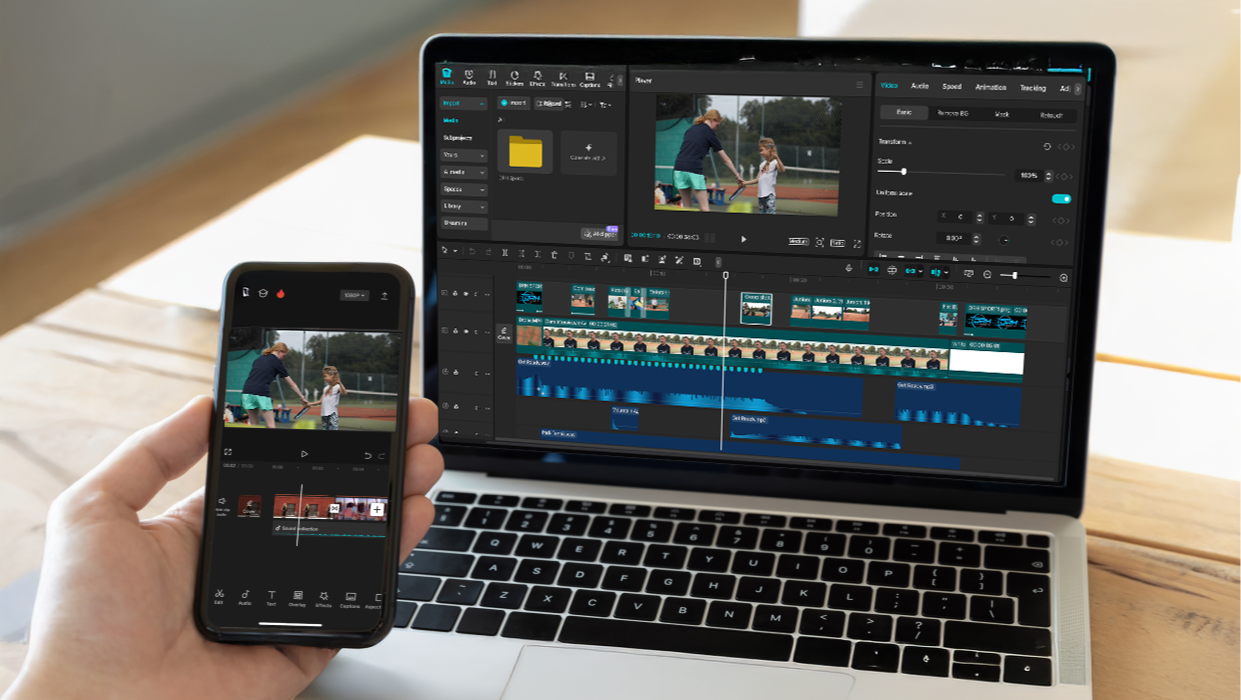
2. Laptop or Mobile?
Understand the pros and cons of editing on laptop vs mobile. (3 mins)
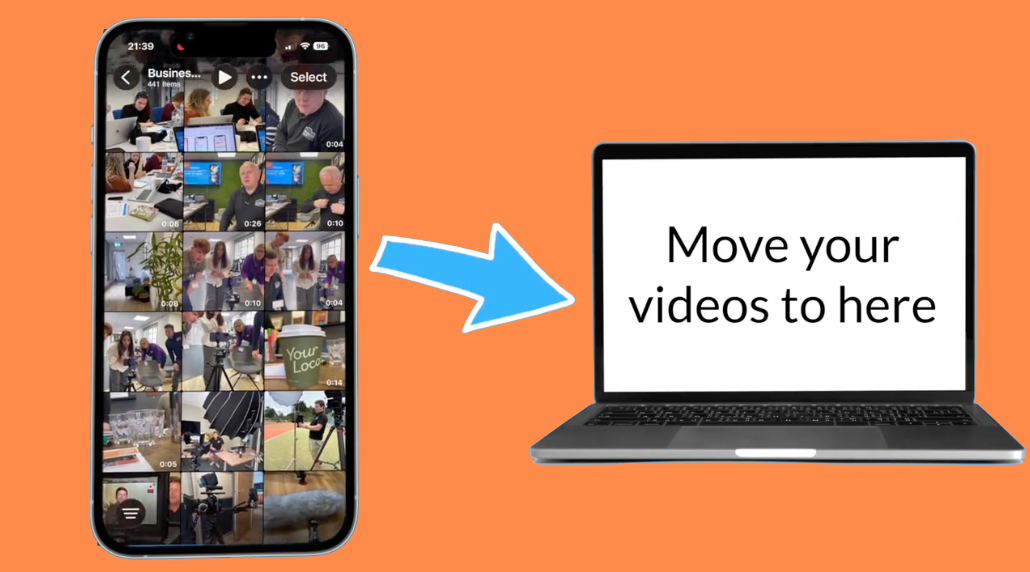
3. Transferring Video
Getting video off your phone and onto your laptop (3 mins)
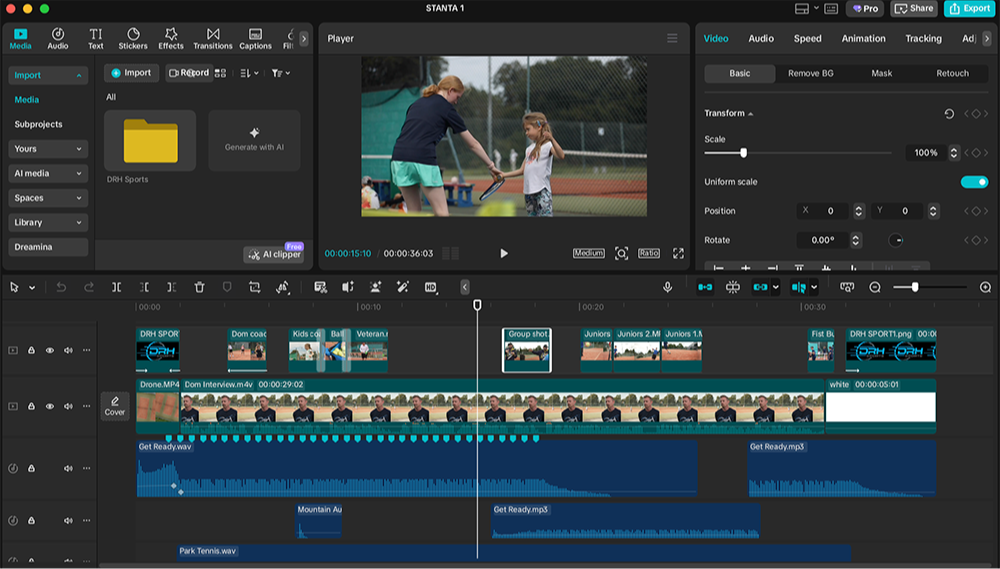
4. Getting Started
Introduction to CapCut and step by step guidance on getting organised. (10 mins)

5. Build your rough cut
Import clips, create a timeline, trim your clips and start shaping a simple story. (5 mins)

6. Adding Audio and Effects
Bring your video to life with music, sound control and cleaner audio. (5 mins)
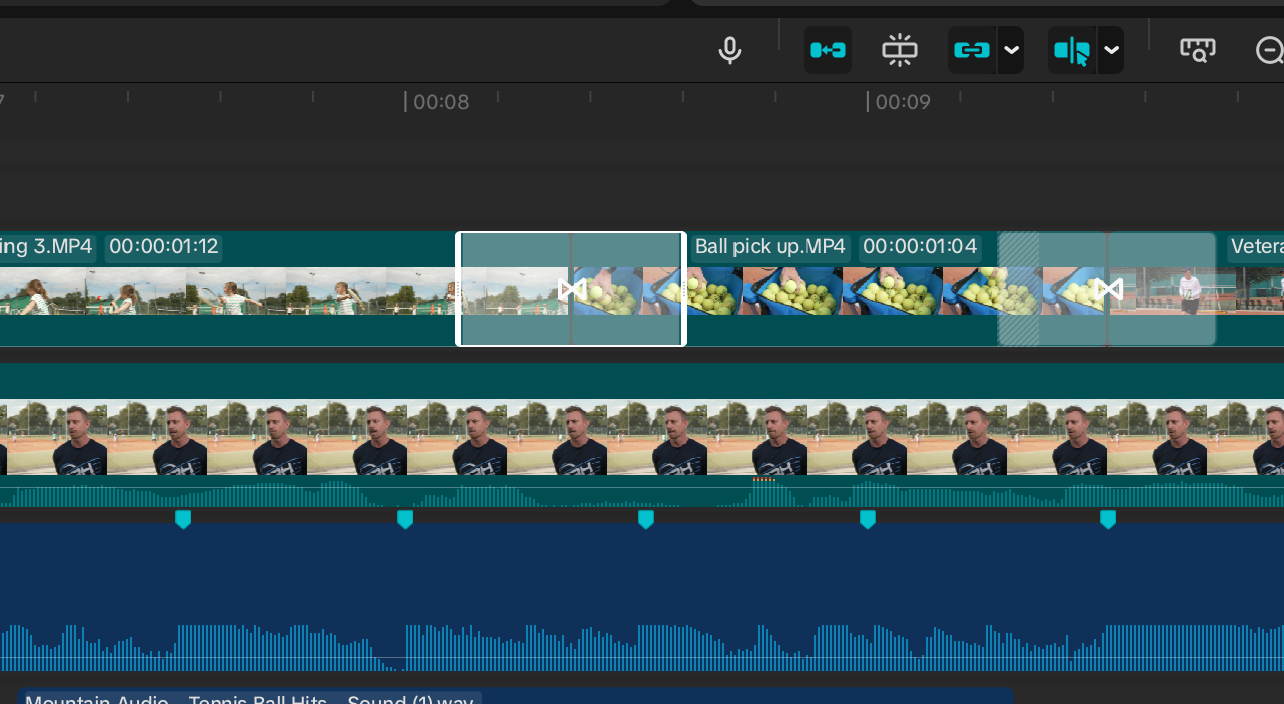
7. Creating Simple Transitions
Make your video flow smoothly from scene to scene. (5 mins)
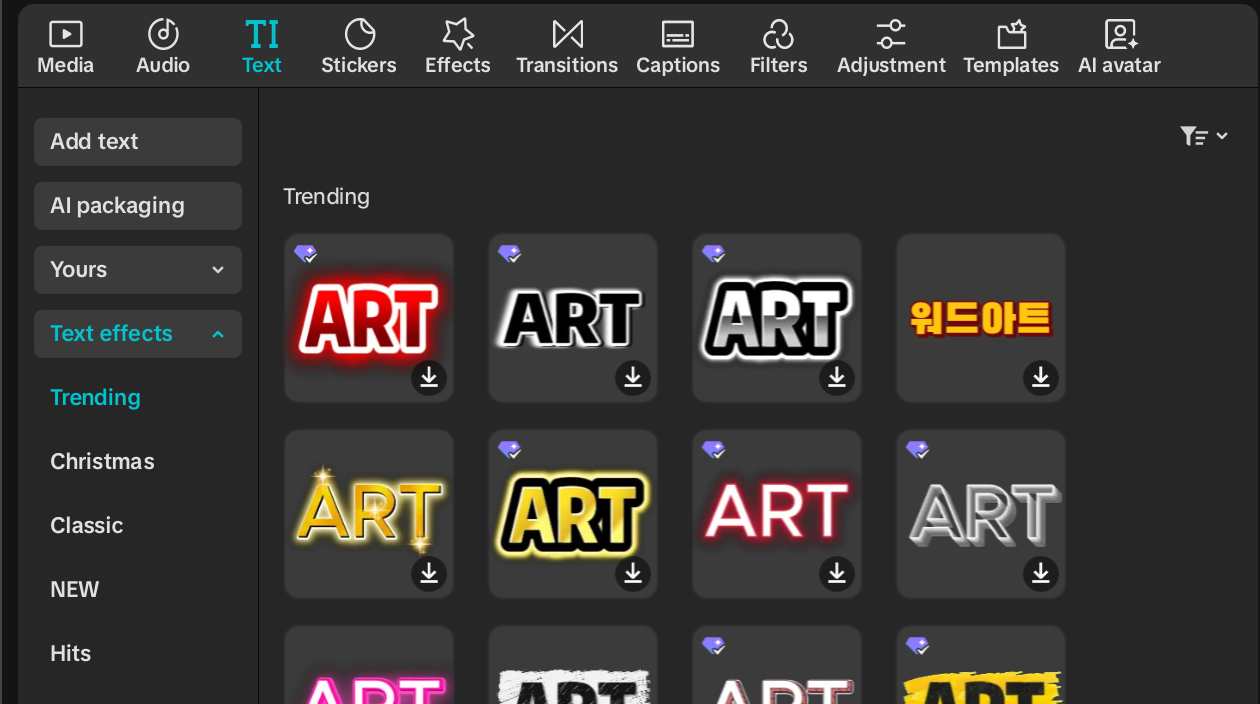
8. Adding Text and Titles
Create clear, simple text and captions that look professional. (6 mins)
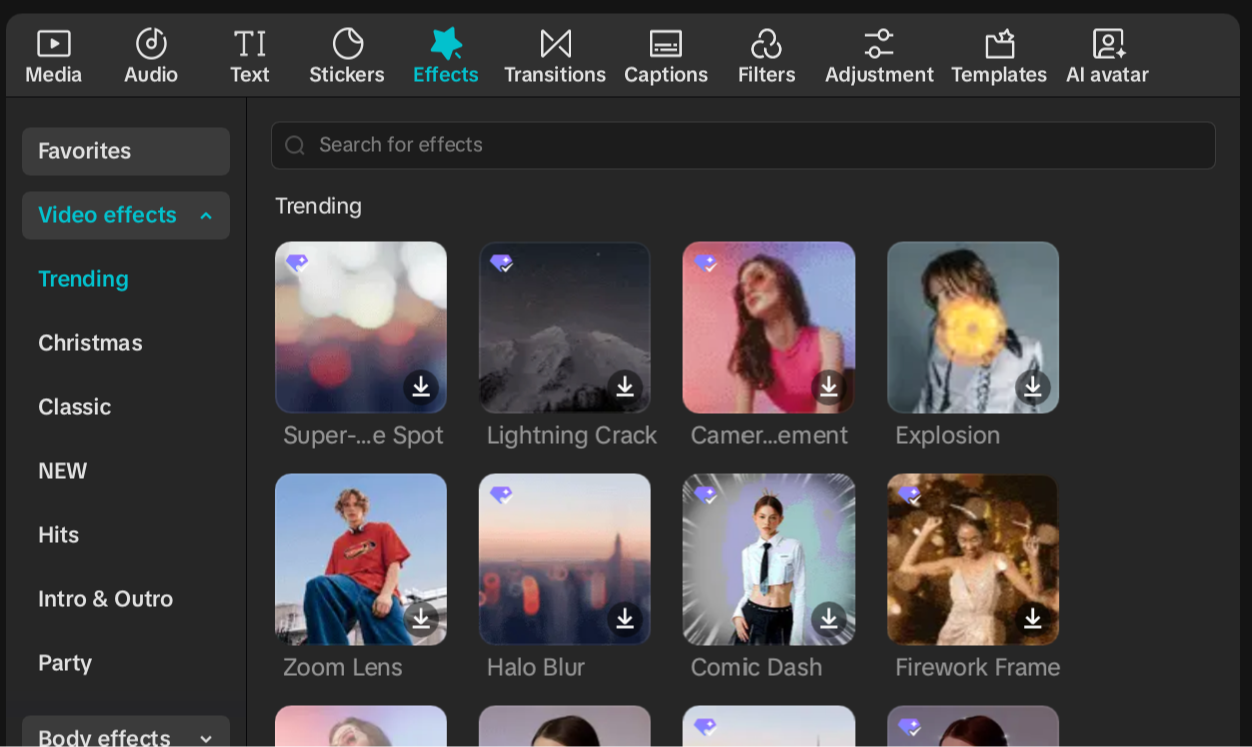
9. Adding Effects
Use subtle effects to enhance your edit without overdoing it. (4 mins)
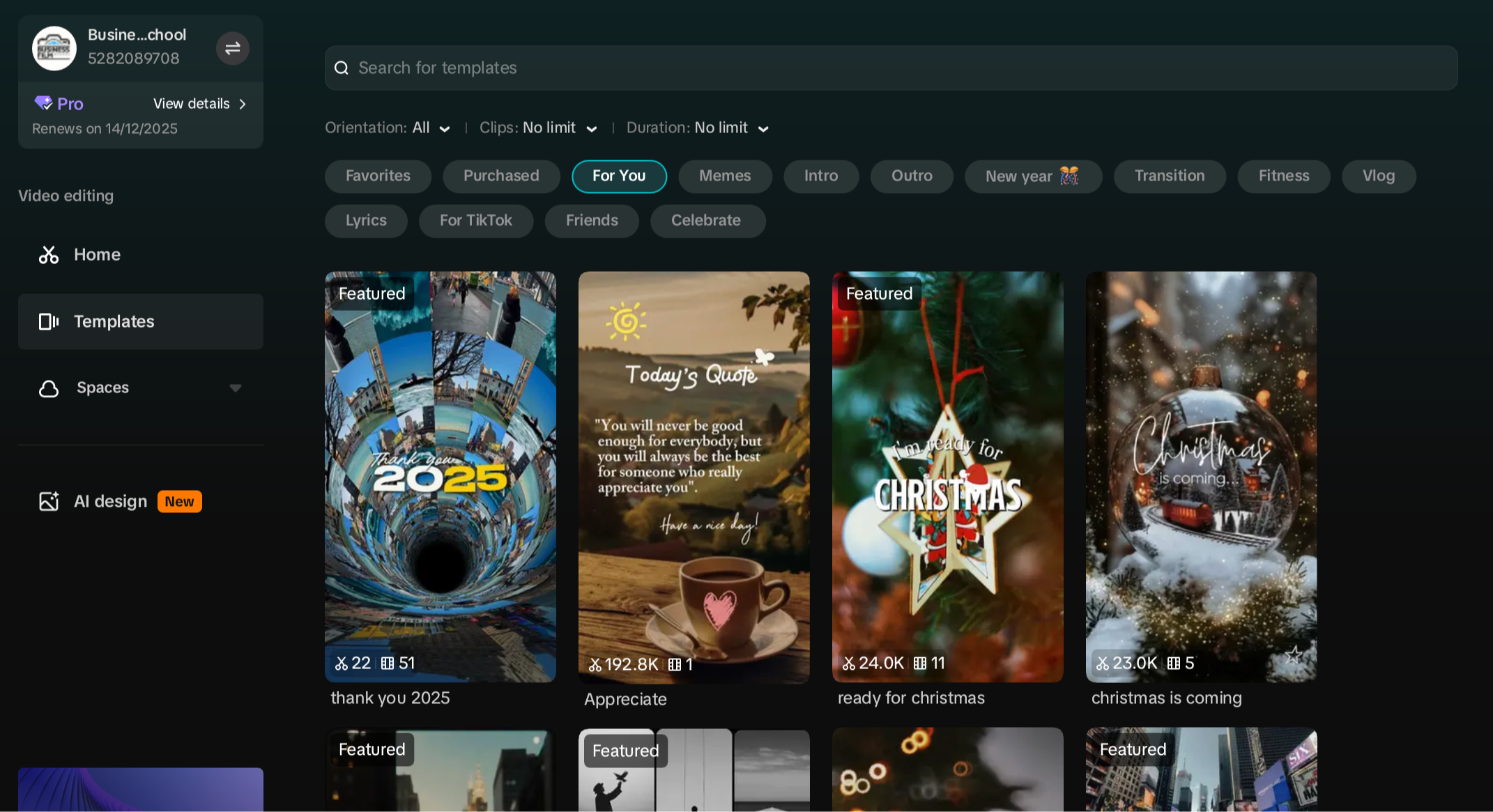
10. Using Templates
Fast-track your videos with ready-made layouts and designs. (5 mins)
11. Exporting Your Video
Choose the right export settings and share your video confidently. (4 mins)
LIMITED TIME OFFER
Only £29.99
One-time Payment
- Developed in partnership with businesses
- Lifetime access - learn at your own pace
- Clear and effective training structure
- 10 short, structured lessons (no overwhelm)
- The fastest way to learn how to edit
No long-winded theories or lessons.
Just the same simple editing processes we teach in our in-person training workshops.
Who this course is for
✅ Businesses that want to unlock the power of video - quickly, easily and cost effectively.
✅ Anyone who feels overwhelmed by video editing.
✅ People who don't have the time (or desire) to trawl through tons of unstructured videos on You Tube to learn how to edit great videos for their business.
✅ Businesses that want to get ahead of their competitors and super charge their marketing.
✅ Marketing teams and social media managers who need quick, simple edits
✅ Beginners who want an easy, jargon-free introduction to editing
Who this course is not for
❌ Anyone already skilled in video editing or using advanced software.
❌ People who are not prepared to invest the (limited) time needed to turn their training into reality.
❌ People looking for complex, cinematic or highly technical editing techniques.
❌ Anyone expecting long, detailed theory rather than quick, beginner-friendly lessons.
❌ People wanting in-depth colour grading, audio mixing or pro-level effects.
Meet your instructors
Hi, we’re David & Sam — and we’re excited to guide you through Editing 101.
As professional video producers with over 30 years of combined experience, we’ve edited everything from corporate films and promotional videos to social media campaigns and branded content. We know what makes an edit work — and more importantly, we know how to teach it clearly.
Editing can feel overwhelming at first. Timelines, layers, tools, exports… it’s easy to get lost.
That’s exactly why we created this course.
Editing 101 gives you a clear, logical path through CapCut — no fluff, no rabbit holes, no random tutorials. Just the essential skills, taught in the right order, so you can confidently edit and export your own video.
We’re looking forward to helping you make it click.
David & Sam
Enroll today

